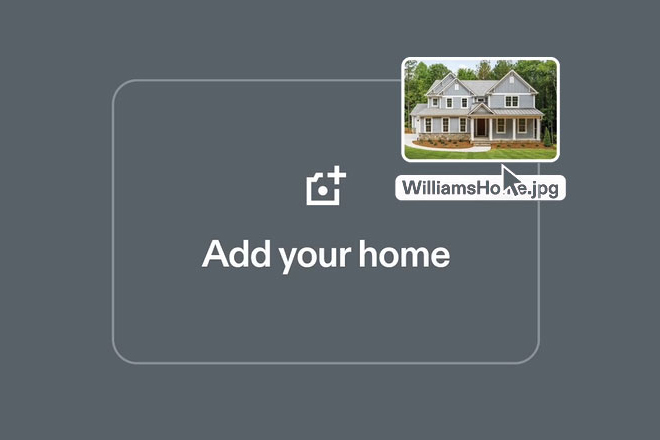
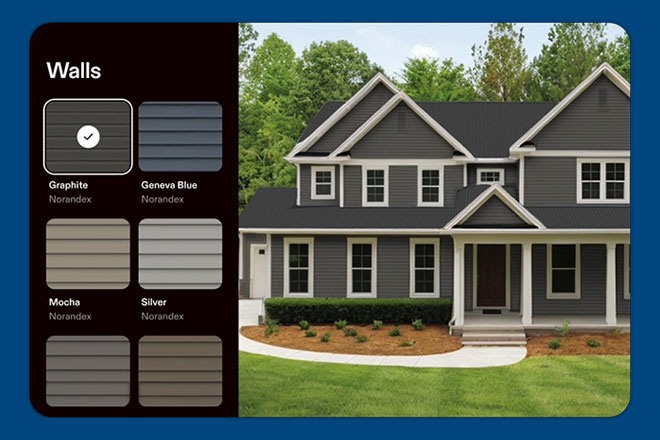
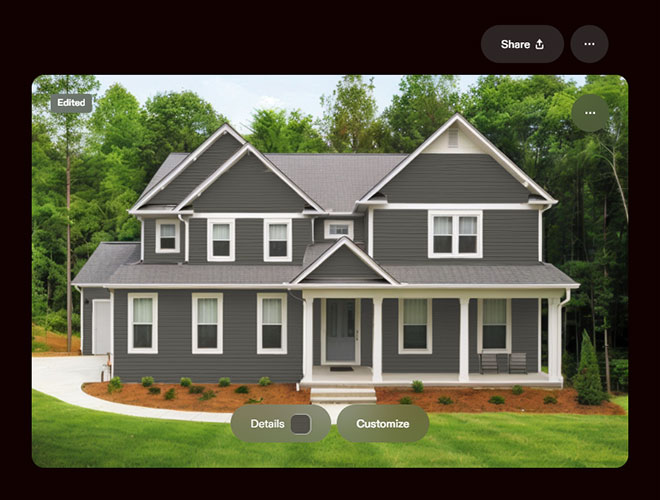
Upload photos of your home or choose a home from our sample library to instantly explore and customize vinyl siding, colors, styles, and trims to find your perfect look.
How It Works
Visualize siding, trim, and color combinations using Norandex products, and design with confidence before your project begins. All you need is a smartphone and a few minutes.
Take a photo of your home, then follow the steps to upload it in the Norandex Home Designer and you’ll be ready to start designing in seconds.
Apply your siding selections, compare different designs side-by-side, and choose the style and colors that turn your ideas into reality.
Save and share your design with friends, family, your contractor, or a Norandex expert, who can walk you through the next steps.
Photo Guidelines
Landscape Format Rotate your camera to landscape mode (wide not tall) for the best possible results.
Step Back for Full Coverage Aim to frame the entire structure in your shot – top to bottom and edge to edge. Back up as much as possible to give your photo some breathing room. If one photo doesn’t capture an entire side or corner, try a wider angle or reposition yourself. Ideally, each image should show both the ground and the sky.
Capture Corners Clearly Corner views help define the shape and angles of the property. Make sure your corner shots show at least three sides or elements of the structure – this helps us accurately model the geometry.
Work Around Obstructions Obstacles like trees, cars, or fences can block important details. Move around them when possible to find a clearer angle. Even a small shift in perspective can make a big difference.
Take Extra Photos If Needed Although only one image per side or corner is required, you’re free to take more. Extra shots can help capture hard-to-see areas or provide alternate views. When in doubt, snap an extra!